Exclusive Offer
Protect Your Privacy and Escape Big Tech Surveillance
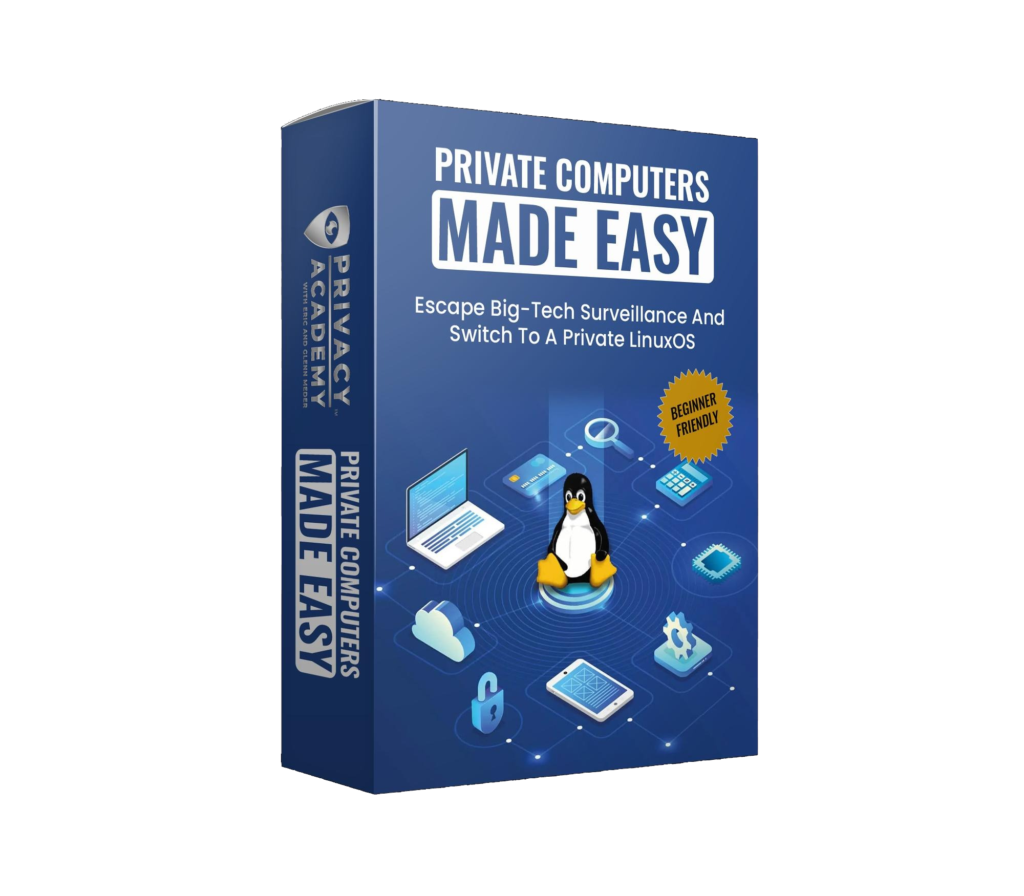
Each Computer Comes with Live Training Sessions (2x a Month+ Replays) and Lifetime Access to the Course “Private Computers Made Easy.”
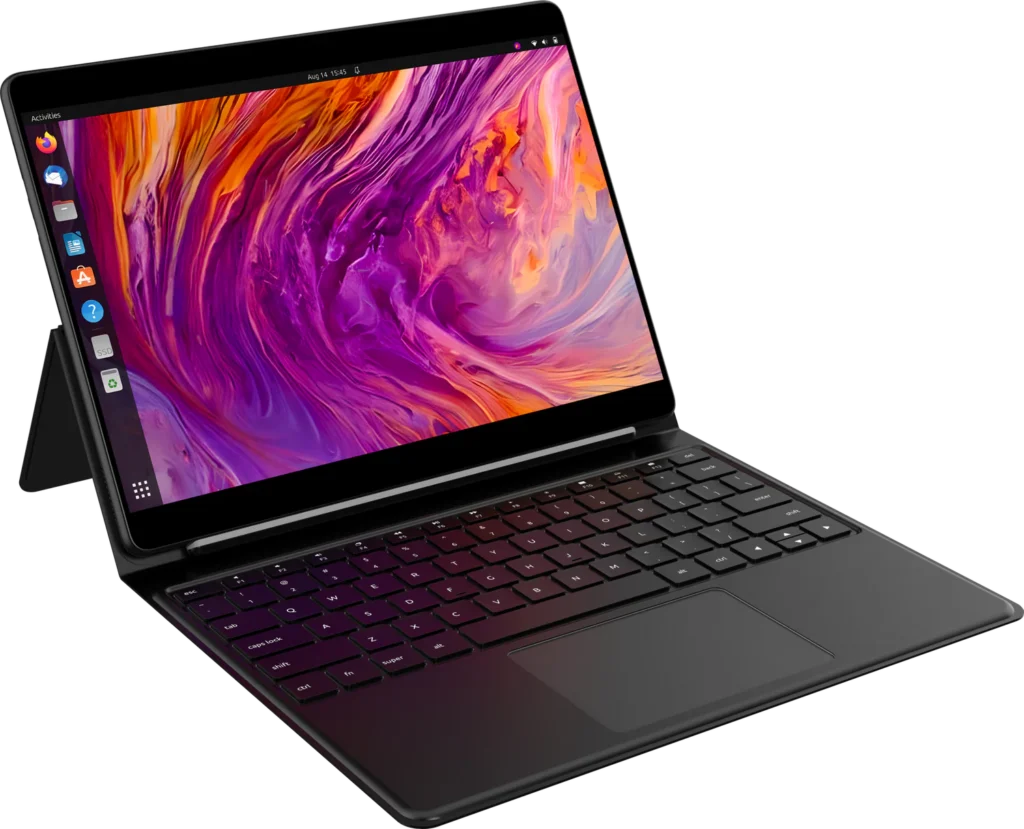
StarLite: 2-in-1 Tablet Laptop
Starting from $1,458.
- Touchscreen 2-in-1 computer
- Fanless, so there is no fan noise
- Magnetic keyboard with kickstand
- Firmware kill switches
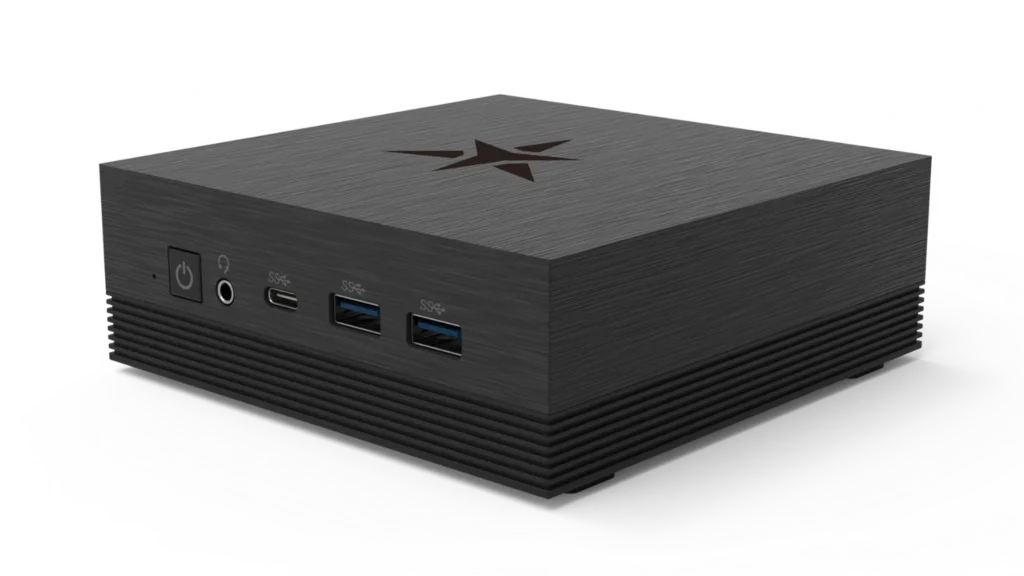
Byte: Desktop Home Computer
Starting from $948.
- Compact desktop computer for a clean private workstation setup
- No built-in camera, microphone or battery
- The fan can be turned on or off in the firmware settings
- Firmware kill switches
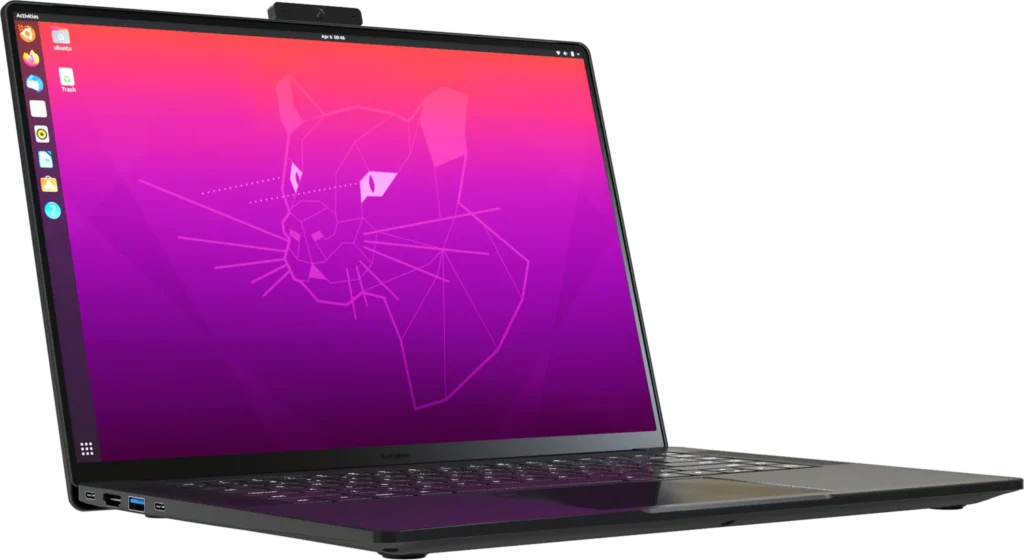
Top Model: StarFighter Ultra
Starting from $3,402.
- Everything in StarFighter, plus more long-term performance headroom
- Sharper 4K 120Hz display
- 64GB memory
- High-frequency display dimming, which is better for people sensitive to screen flicker
- Memory encryption support, which encrypts the computer’s memory and helps reach the highest firmware security rating (HSI:4)
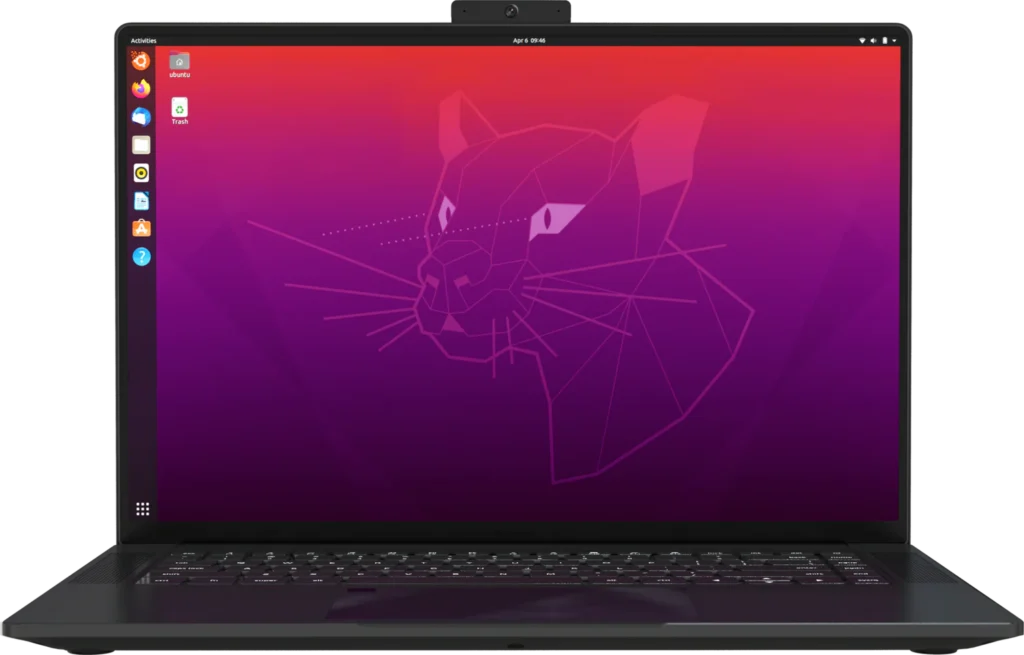
StarFighter
Starting from $2365.
- Physical wireless kill switch
- Haptic glass trackpad
- Removable webcam and microphone
- Built-in disk encryption support that can be enabled or disabled without reinstalling the operating system
- Premium magnesium chassis
- Larger 16-inch workstation-style laptop with more performance headroom
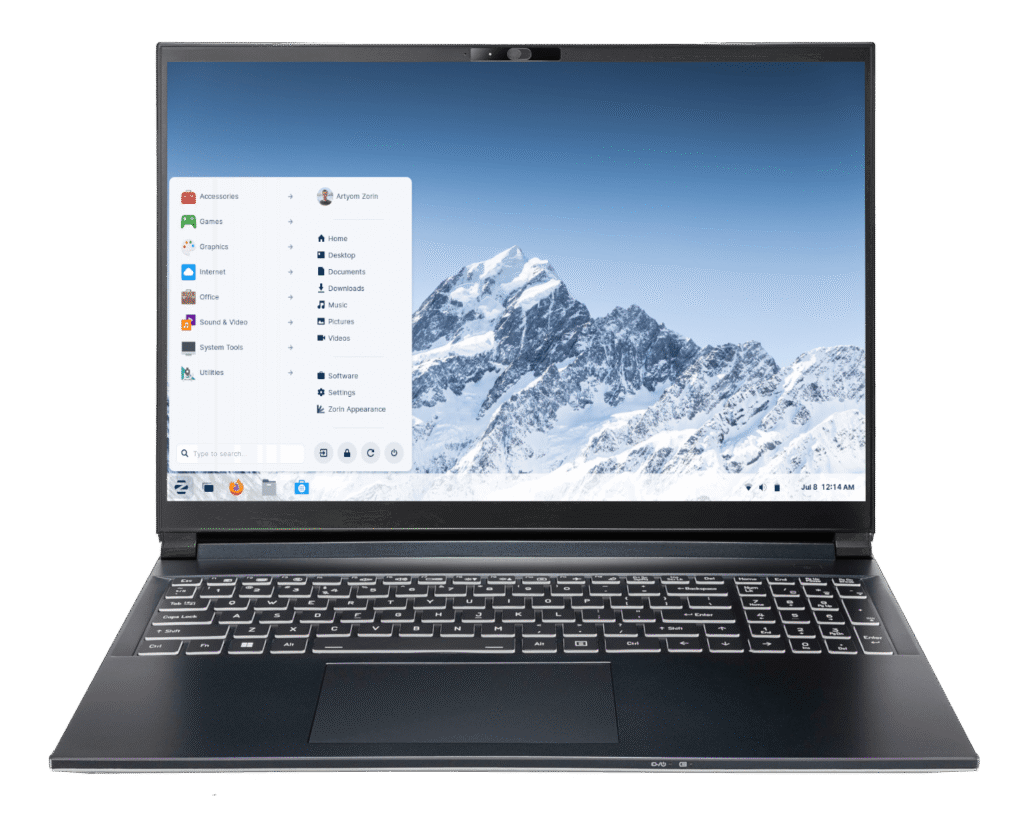
PA v56
Starting from $1,860.
- 16″ QHD+ display (2560×1600) with a fast 144Hz refresh rate
- Intel Core Ultra 5 125H processor with 32GB memory (upgradeable to 64GB)
- Dasharo coreboot firmware with Intel Management Engine disabled
- Pre-installed camera slider
- TPM 2.0, secure boot, and a Kensington lock slot for layered security
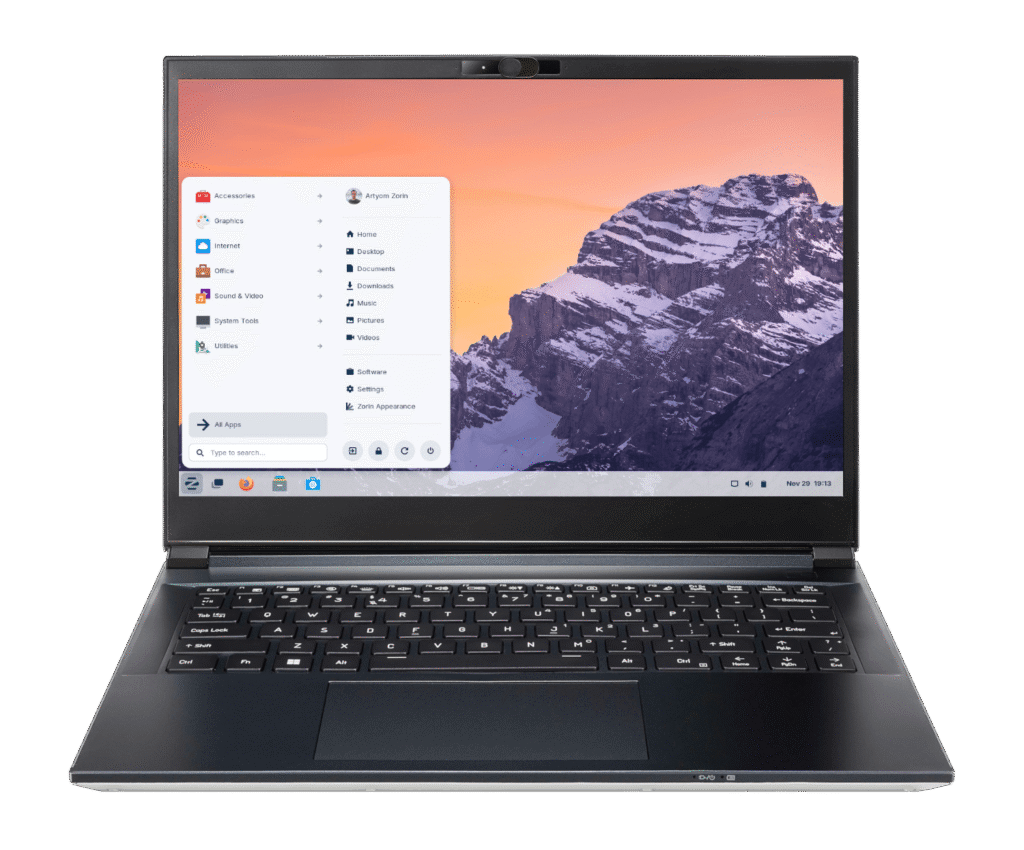
PA v54
Starting from $1810.
- Compact 14″ 2.8K display (2880×1800) at 120Hz, weighing just 1.6kg
- Intel Core Ultra 5 125H processor with 32GB memory (upgradeable to 64GB)
- Dasharo coreboot firmware with Intel Management Engine disabled
- Pre-installed camera slider
- TPM 2.0, secure boot, and built-in disk encryption support
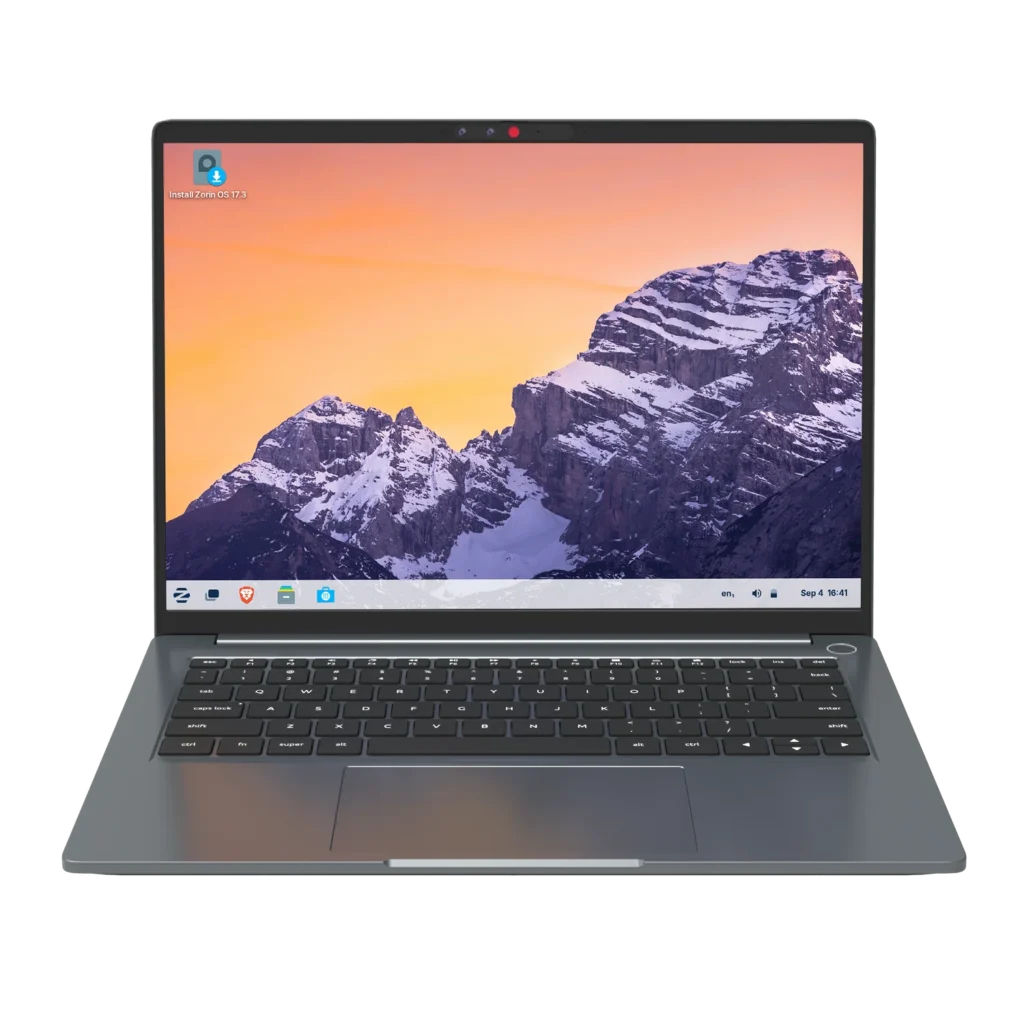
Starbook Horizon
Starting from $1,672.
- Physical wireless kill switch
- Built-in webcam cover
- Built-in disk encryption support that can be enabled or disabled without reinstalling the operating system
- High-frequency display dimming, which is better for people sensitive to screen flicker
- Active cooling, so it has more sustained performance than a fanless tablet-style machine
What is Zorin OS?
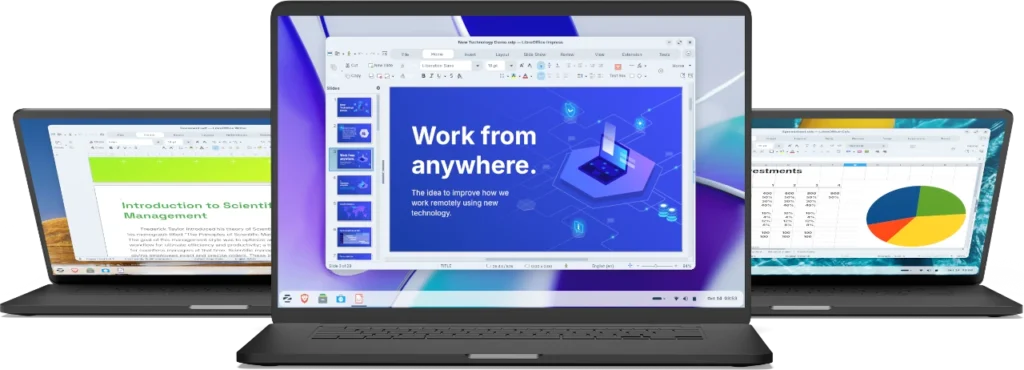
Zorin OS is a privacy respecting, easy-to-use version of Linux. It is open-source, and trusted by privacy experts (including us). Zorin doesn’t require command line interface, and can be stylized to look like Windows or Mac (so your transition doesn’t have to be hard). You can move over and do almost everything very similarly to your current computer. Zorin is lightweight, and can be loaded on most computers made within the last 15 years.
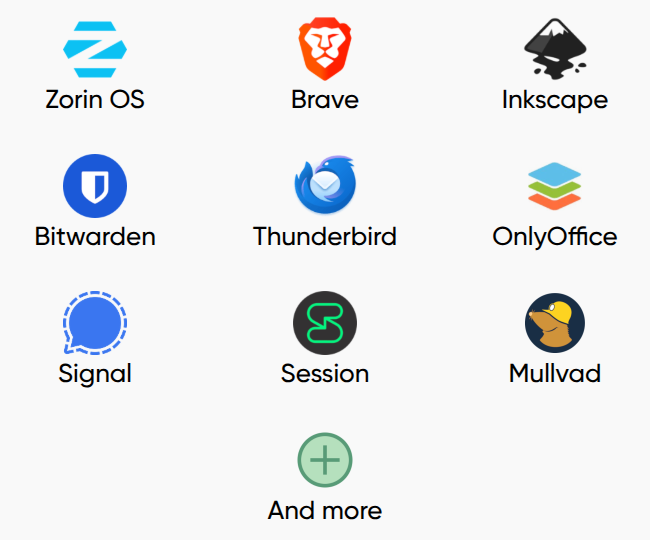
Pre-Loaded with Apps
Zorin OS is a privacy respecting, easy-to-use version of Linux. It is open-source, and trusted by privacy experts (including us). Zorin doesn’t require command line interface, and can be stylized to look like Windows or Mac (so your transition doesn’t have to be hard). You can move over and do almost everything very similarly to your current computer. Zorin is lightweight, and can be loaded on most computers made within the last 15 years.
Frequently Asked Questions
- Dave asks: I use Microsoft Office often, can I use this on Linux?
- There are fantastic free, open source alternatives to Microsoft Office on Linux. I personally like using LibreOffice. Another great alternative is OnlyOffice. Both software applications allow you to open Word, Excel, Powerpoint, etc. documents in them and you can even save the documents in the same way. The experience is very similar. And if you send a document to someone who uses Microsoft Office, they would never know the difference. This is a great example of how you can operate normally on Linux.
- Robert asks: Can’t I just disable CoPilot or Apple Intelligence?
- This is a great question, and I get asked it a lot. It’s a bit of a loaded question to answer, so let me in answer it in multiple parts. For the time being, you can ‘turn CoPilot off’. But, that brings on the question… do you trust Microsoft? Microsoft is closed source, so even if we remove it from the surface who knows what they are capturing behind the scenes. Soon, you won’t even be able to remove it from the surface. In October they will cancel support for Windows 10 computers, forcing people to move towards Windows 11 only. They are also starting to release AI hardware in all of their devices. A good analogy for this is how they are moving people to electric/surveillance cars. Canceling support (Or in that sense, making the excuse of carbon emission zones.)
- Mary asks: Can I just use Windows 7 to protect my data from being spied on by AI?
- This is a fantastic follow-up question… and the answer is actually quite simple. You cannot use an operating system that is no longer being supported. This is EXTREMELY dangerous. Remember, there are three threats to online privacy and security. And although big tech and big brother are the largest big picture threat… hackers and scammers are the immediate threat. When an operating system is no longer getting updates to it, it becomes an extremely easy target for hackers and scammers. If you do not update to a supported and up to date operating system, the chance of being hacked and scammed goes through the roof.
- Todd asks: Do these computers work globally?
- Simply put, yes! These are not region restricted. If you are asking regarding shipping, I recommend reaching out to us at [email protected] to see how the shipping works to your country.
- Susan asks: What is coreboot? Is it important to have?
- Basically coreboot is a open-source version of BIOS. BIOS is the operating system underneath the operating system. Coreboot is a much better option, because it is open source, it also offers a lot more security and privacy than other options that don’t offer coreboot. So, simply put yes. It is very important.
- George asks: Are Linux computers reliable? Will I have to replace it in a year?
- Yes, Linux computers are very reliable! Windows computers are infamous for bloating and slowing down over time. Linux is very lightweight, and can last a long time. You should be able to use these computers for many years no problem!
- Theo asks: I am having trouble deciding which computer I should choose. Would you mind explaining them in more detail?
- Absolutely! Let me break down the devices into 3 different sections. And again, if you want to check them out, all you have to do is go to: https://privacycomputers.com/