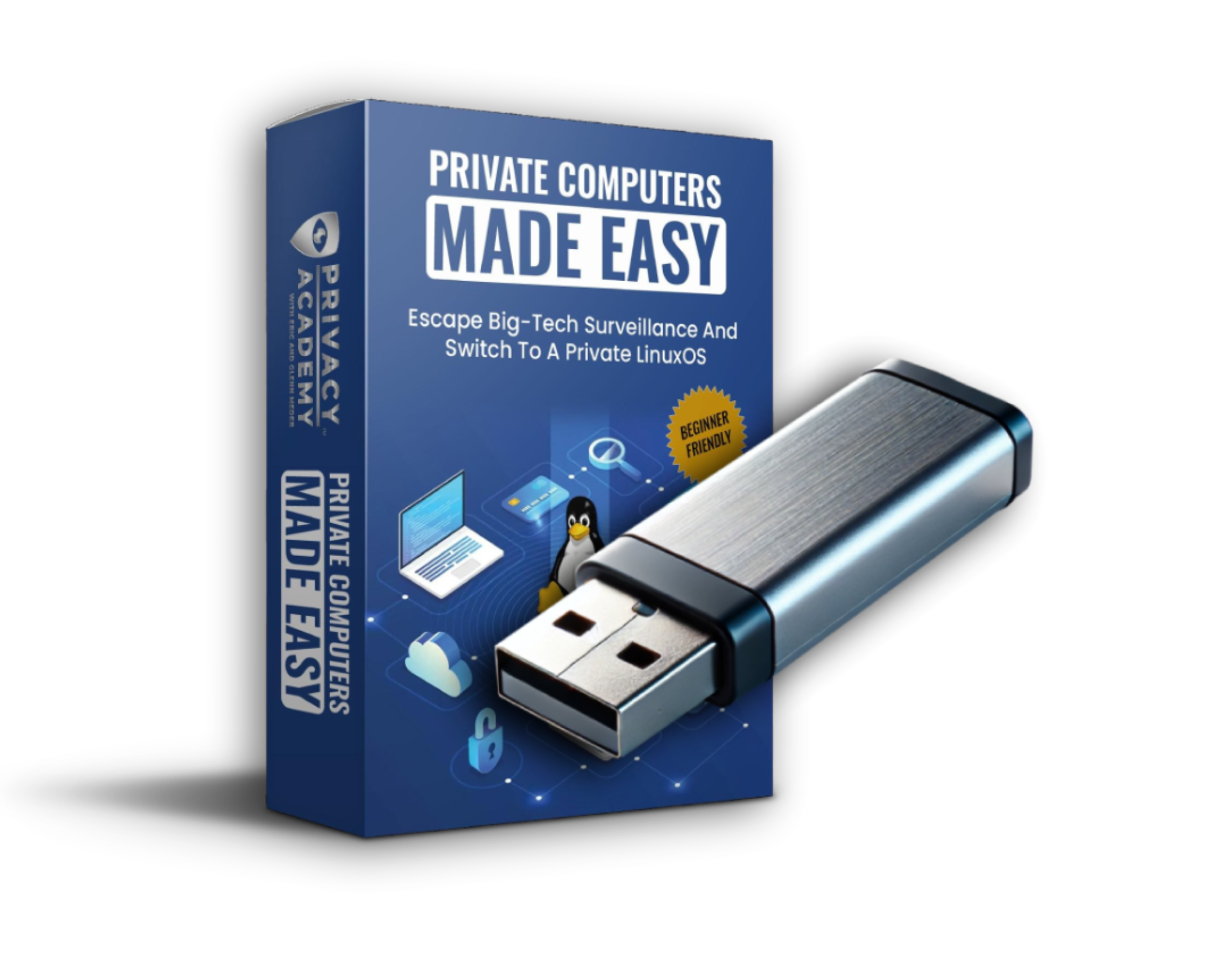
Get Access to “Private Computers Made Easy”
Learn How to Install Linux On Your Own Computer
Get access to:
- 30+ detailed lessons on how to switch over to Linux.
- Free bonus USB shipped to you with Linux pre-installed (and our private app alternatives)
- 2-month free trial to our “hands on” live trainings
- 2-month free trial to our active chat rooms moderated by privacy experts.
- And much more!

Trusted by World-Renowned Leaders

Connor Boyack
Author & Public Speaker
“Online privacy is one of the most important issues of our time. It’s essential that parents and children learn how to protect themselves and their freedom. Glenn is an excellent teacher, and is an expert at taking complicated subjects and making them simple.

G. Edward Griffin
Best Selling Author
“Glenn Meder’s Privacy Academy is the real thing. It actually does what it claims to do – and more. It’s a great comfort to have access to such broad knowledge and practical guidance.

Mike Maloney
Best Selling Author
“Glenn and Eric Meder are the absolute cutting edge in Internet privacy. Their passion is teaching you how to protect yourself from AI building a profile on you. Free yourself.

Russell Gray

Marjory Wildcraft

Tom Woods

David Wolfe

Alex Newman

David Icke

Sarah Westall

Maria Zeee
+ over 12,000 students!
Over the last two years, both Apple and Windows have aggressively pushed AI spyware onto their users.
All of their modern devices are embedded with AI spyware, which means nothing you do is private.
A lot of people think that they can avoid this AI spyware by using older devices.
Well, that’s not the case.
Last year, on October 14th, Windows made the decision to stop supporting all Windows 10 devices.
That means if you are still on a Windows 10 device, you then you are at serious risk for hacks and scams.
And if you moved to Windows 11, you are using a computer that is watching and analyzing everything that you do. (Out of the frying pan and into the fire, right?)
Well, let me give you some background info…
Towards the end of 2023, Windows announced CoPilot Recall, their AI software that watches and understands everything that you do on your computer.
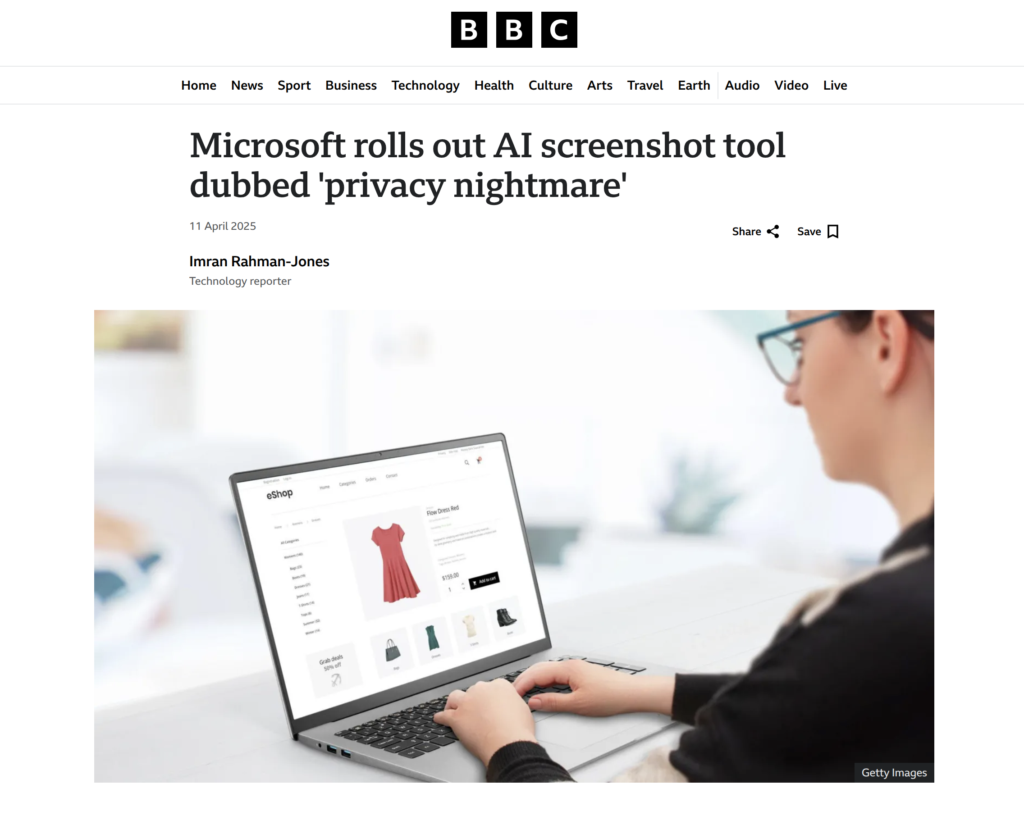
So much so that it takes a screenshot every second and stores it for posterity.
Everything you search, type, or read is monitored, recorded, and analyzed. And let me be crystal clear, they are doing this to create a profile on you. They want to know your likes, your dislikes, and your beliefs. And yes, CoPilot (and Recall) is already being used right now, this is not some future thing.
With this level of surveillance, they will know if you are a skeptical person or not, if you believe propaganda or not, or even “small” things like if you search for censored news, where you store your money, or who your friends are.
The same thing goes for Apple. If you are using an old computer, it is not secure. If you are using a new computer, it is not private.
They are trying to create a walled garden, a surveillance net that will control everything, and they are wagering that you won’t notice until it’s too late.
Because Windows and Apple have such a strong monopoly on the market, they believe the average person doesn’t notice that there is an exit door out of this walled tech garden, which is Linux.
For the longest time, Linux was out of reach for the average user. It was complicated, clunky, and made only for tech geeks.
But two years ago, we finally found a private and user-friendly distribution of Linux that actually felt like an upgrade to Windows and Apple.
Since then, it’s been our goal to help average, non-techy people move out of the big tech computer walled garden.
So, if you want to protect yourself and your right to privacy and freedom…
Then I recommend that sign up for this course, and you convert your computer to Zorin asap!
And please share this info with your friends and family.
See you there!

Sign Up Today and Get a 2-Month Free Trial to Our Privacy Academy: Coaching Membership.
Here’s How Privacy Academy Helps


Weekly Live Trainings
Don’t worry, all classes have replays so you can watch on your own schedule.
Each week we hold two live trainings: Fundamentals and Advanced. That way you can join live, follow along, and ask questions as we teach the lesson. It’s a great way to hold yourself accountable, and not get overwhelmed or stuck.

Pre-Recorded Courses
Go at your own pace and follow along with our 3 top-rated privacy courses – Privacy Action Plan Fundamentals, Privacy Action Plan Masterclass, and Private Online Shopping. Each course is packed with powerful videos and actionable steps.
.gif)
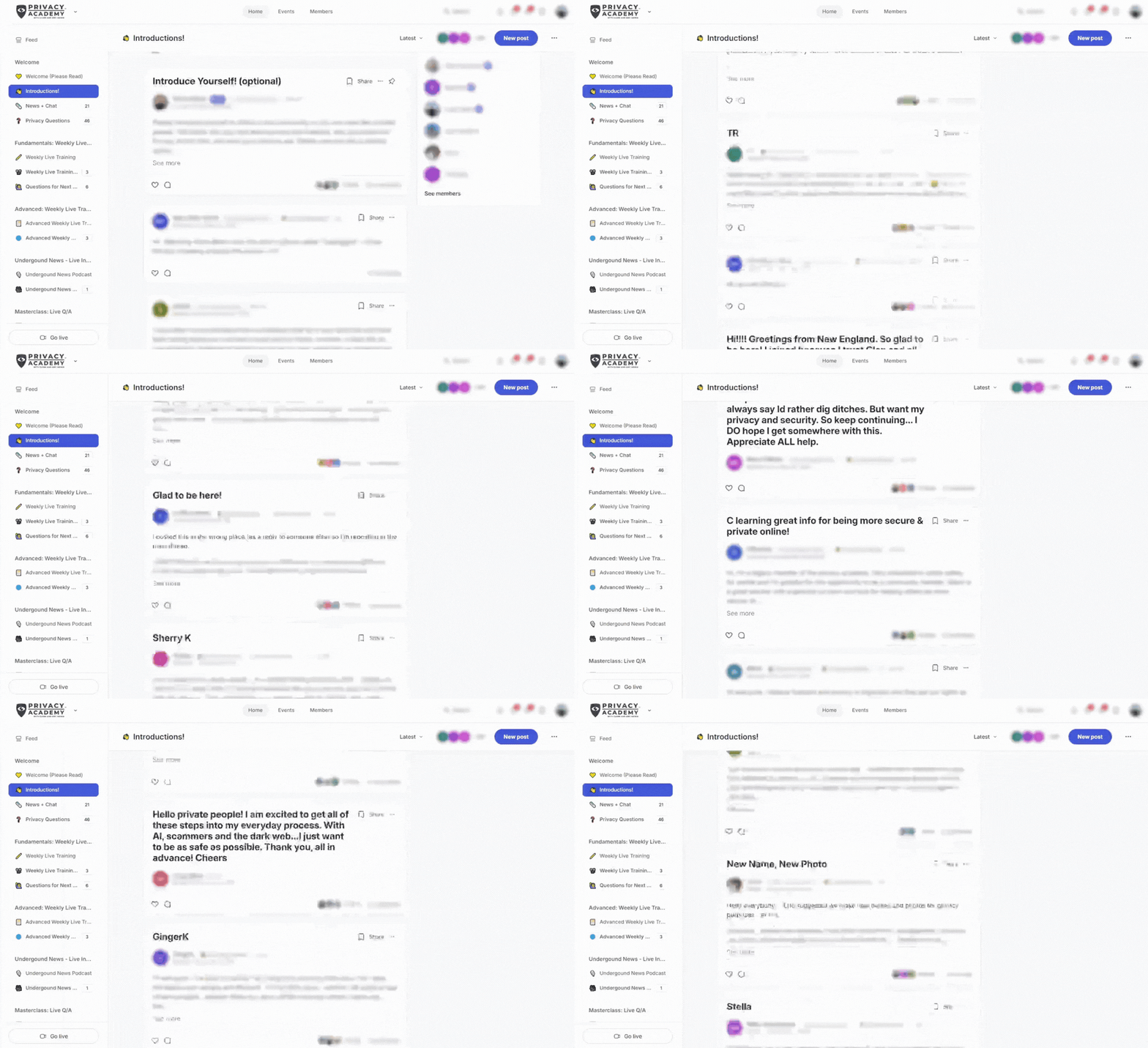

Active Community with Privacy Experts
Join an active community of freedom and privacy loving people. If you get stuck along the way, ask your questions in the “Privacy Questions” chat so other community members or privacy experts can help.
What You Can Learn
Creating Burner Payment Cards
When you shop online, you are trusting that corporations are keeping your card info private. All it takes is one data breach for your cards to fall into bad hands. Learn how to easily create burner cards for each transaction.
How to Protect Yourself from Identity Theft
A reported 1 out of 3 Americans falls victim to identity theft each year. All of those victims share a common trait -they never thought it would happen to them. Learn how to prevent ever falling victim to identity theft.
How to Kill Spam Forever
The worst part about email is the spam and endless clutter. We will teach you 1. How to clean and organize your email, and make it actually enjoyable to use, and 2. Get tid of spam emails forever. (I know, that is a big promise, but yes, it really works!)
How to Set Up Your Bank Account Properly
Most people are completely unaware of what really happens at their banks. Learn how to interview your bank, what it means to be an unsecure creditor, and also set up your accounts for daily activity and ‘stop pay’ locks.
Private and Secure Crypto
At its inception, crypto was designed to be a tool for peer-to-peer transactions. Learn how to ensure 1. That your crypto is safe and secure and 2. How to use private cryptocurrencies like Monero to send and receive cash privately and digitally.
Create Your Own De-Googled Phone
Smartphones are the modern-day “Trojan Horse.” They are constantly with us, gathering an absurd amount of data and using that data to create profiles on us. Learning how to create your own private phone is essential.
OPTIONAL: We Accept Alternative Payment Types!
Want to pay for your order in a different way?
Send us a message of how you’d like to pay and we will send you instructions back.
- Monero (Save 10%!)
- Goldbacks (Save 10%!)
- Cash
- Check (Less Private)
"*" indicates required fields